Broken Link Checker: How to Find and Fix Dead Links
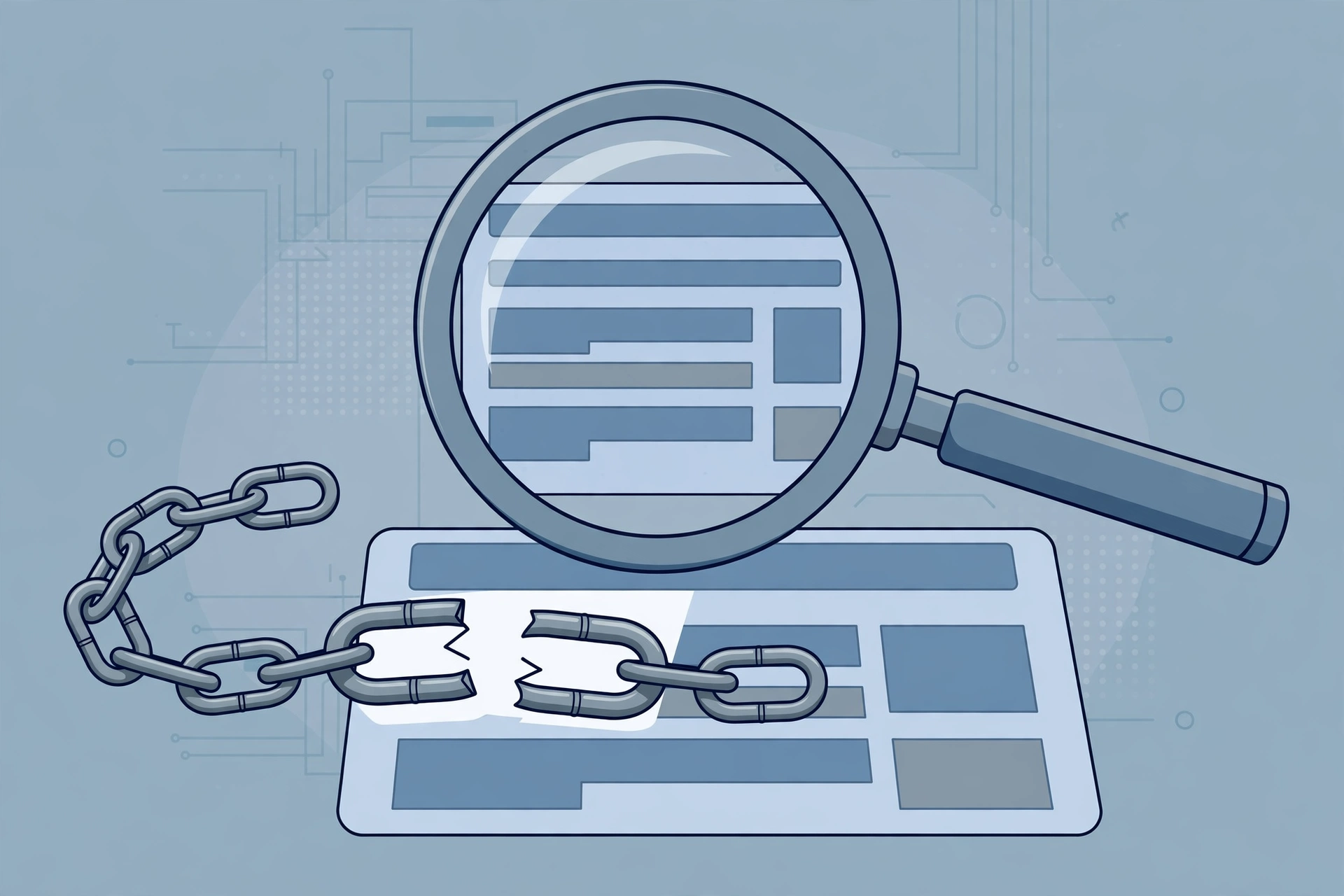
- Primary Signal: Broken Link Checker: How to Find and Fix Dead Links
- Overview: A broken link checker crawls your pages and reports dead links by status code. This guide explains how to read the report and fix each kind....
- Verification: Analyzed and compiled by 1UpTrade Live editorial monitoring desk.
A broken link is a hyperlink that no longer leads anywhere useful. The most common sign is a 404 Not Found page, which means the page does not exist at that address. Other failures include 410 Gone, which means the page was deliberately removed, 5xx server errors, which mean the destination server is failing, and timeouts, where the destination never answers at all. To a visitor, every one of these is a dead end. To a search engine, they are a sign that a site is not being maintained.
Links break for ordinary reasons. Pages are renamed, products are discontinued, suppliers change their websites, and whole sites shut down. A link that worked last year can quietly die without anyone on your site noticing, because nobody clicks every link on a regular basis. That is why a broken link checker exists: it crawls a page, collects every link it finds, requests each destination, and reports the status code each one returns.
Reading a link report starts with the status codes. A 200 OK means the link works. A 301 or 308 redirect means the page moved permanently; it is not broken, but updating the link to the final address saves a hop. A 404 or 410 means the target is gone. A 5xx error may be temporary, so recheck it before acting. Some 403 responses are deliberate restrictions, not breakage, so treat those carefully rather than deleting them outright.
There are two kinds of broken links, and they need different fixes. Internal broken links point to pages on your own site that no longer exist. These are fully under your control, and every one should be fixed, because they waste search engines' crawling attention and interrupt your visitors' paths. External broken links point to other websites that have moved or disappeared. You cannot fix the destination, but you can update the link to a new address, replace it with a close substitute, or remove it.
For each broken link, work through three questions in order. Does the content still exist at a new address? If so, update the link to point there directly, and add a redirect from the old address if it is your own page. Is there a close substitute? Link to the most relevant alternative, not to a homepage, which frustrates visitors and can look like a soft 404. Is there neither? Remove the link and tidy the surrounding text. A clean page with one fewer link beats a page with a dead one.
A sensible routine is to scan your homepage and your most visited pages first, then work through the rest of the site on a regular schedule, such as monthly. Start with internal links, because those are yours to fix, then external links on pages where you cite sources or recommend partners, because a dead reference undermines the page's credibility. After fixing, re-run the scan to confirm the failures are actually gone rather than assuming the edits worked.
Q: What is the difference between a 404 and a 410? A: A 404 means the page was not found at that address. A 410 means it was deliberately removed. In practice search engines treat most 4xx errors similarly, so fix both.
Q: Are redirects broken links? A: No. A 301 or 308 redirect still reaches a page, but updating the link to the final address is good practice because it saves a hop.
Q: How often should I check for broken links? A: Monthly for important pages is a sensible routine, and after any redesign, migration or bulk edit that changes addresses.
📖 Continue Reading the Full Story
Continue reading this article on 1UpTrade Live.
⚡ Access Full Content NowMore from 1UpTrade Live